

Legends Safe Zones — Configurable Weapon-Free Zones for FiveM
Legends Safe Zones gives server administrators full control over weapon restrictions in designated areas, improving roleplay safety, immersion, and balance. Whether you need to secure hospitals, PDs, green zones, or custom events, this script provides the flexibility to define and enforce safe zones with precision.
Custom Restricted Zones
Easily define any number of safe zones across the map where weapon usage is limited or entirely blocked.
Selective Weapon Blocking
Choose to restrict all weapons or only specific ones in each individual zone.
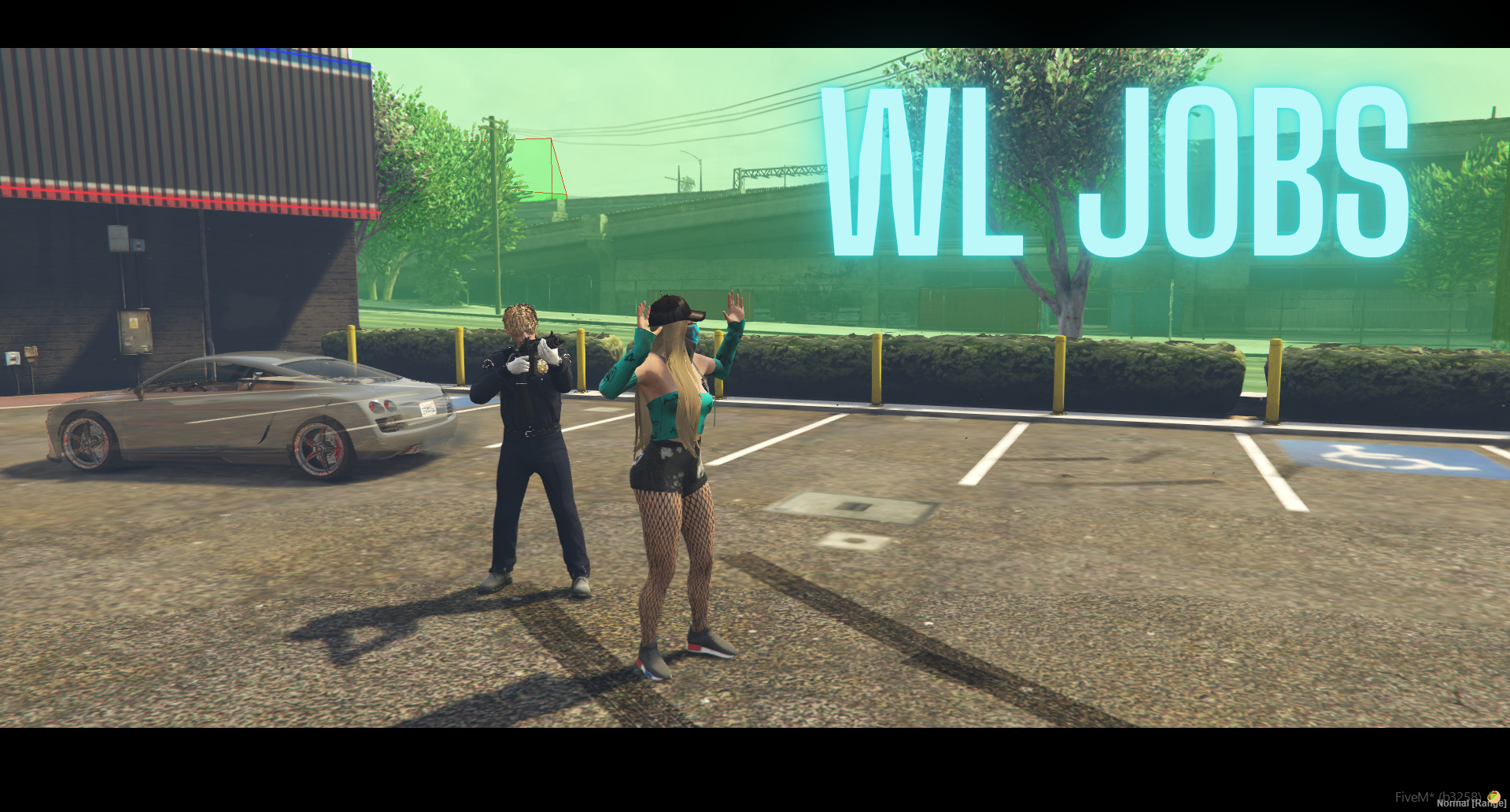
Job-Based Restrictions
Customize restrictions based on player jobs—allow or disallow weapons depending on the role (e.g., police vs. civilians).
Bypass Roles
Assign jobs (e.g., emergency services, admins) that can bypass weapon restrictions within safe zones.
Automatic Weapon Removal
Restricted weapons are automatically removed from players when they enter a safe zone, ensuring enforcement.
Fist Fight Prevention
Prevents melee damage (such as punching) within restricted zones for full combat protection.
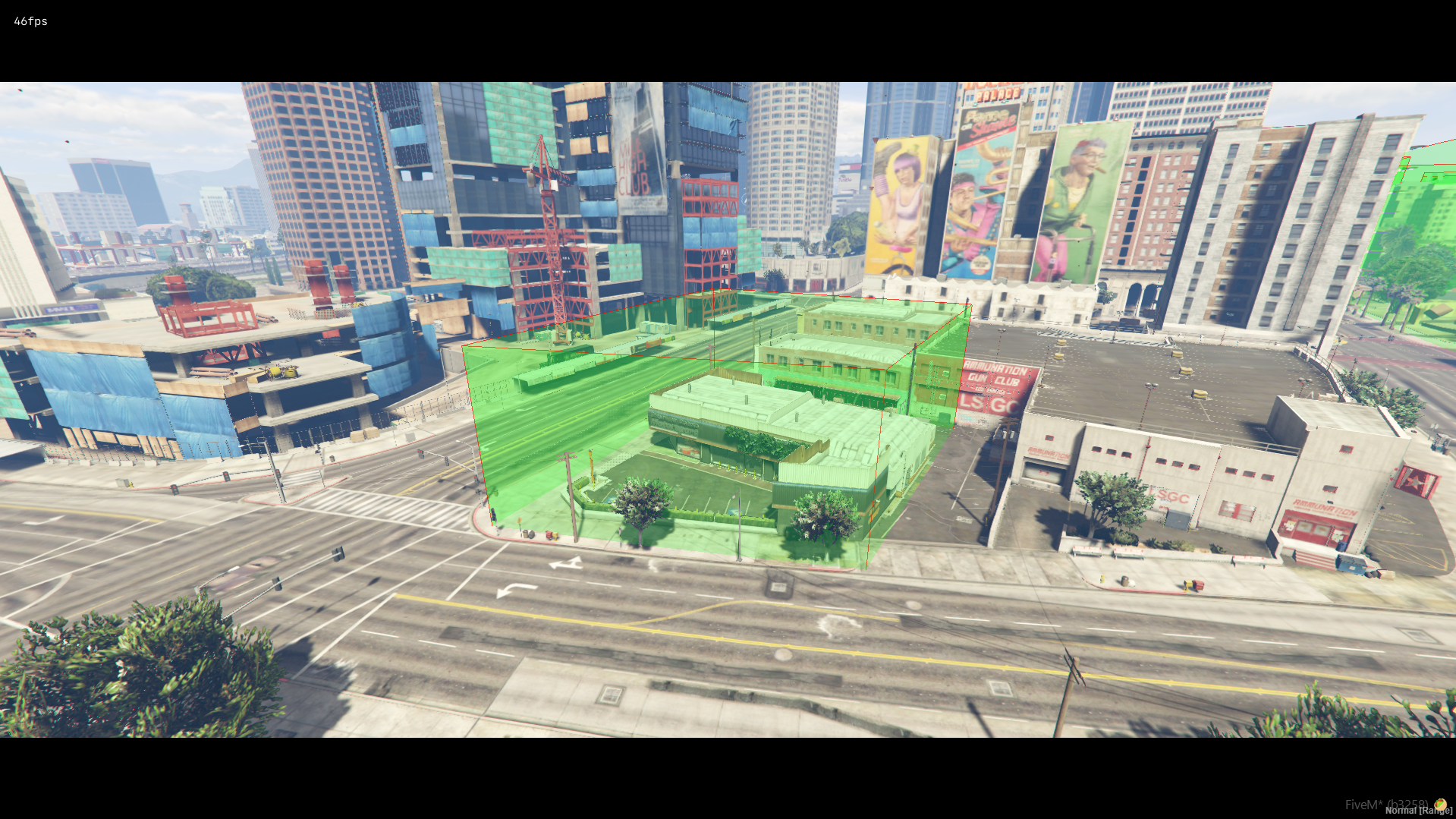
Debug Visualization
Use the debug mode to easily visualize and adjust zone placement during setup.
Highly Configurable
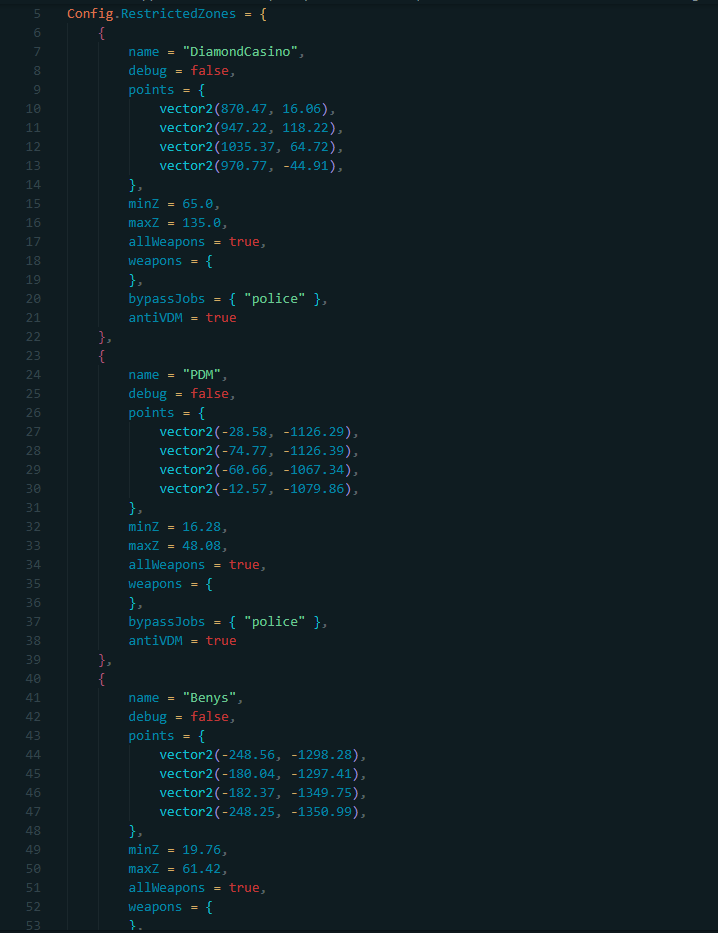
All zone parameters, restrictions, job rules, and visuals are adjustable in the config.lua file.
Compatible with QB-Core, QBOX, Standalone, and basic ESX setups.
PolyZone
ox_lib
qb-core (or equivalent framework support)
Download the script files.
Place the legends_safezones folder in your server's resources directory.
Add ensure legends_safezones to your server.cfg.
Start all required dependencies before legends_safezones.
All setup and customization are handled in the included config.lua file. Define zones, weapons, roles, and more with full flexibility.
topv-verify-6b6c9eb1dd4b0623
